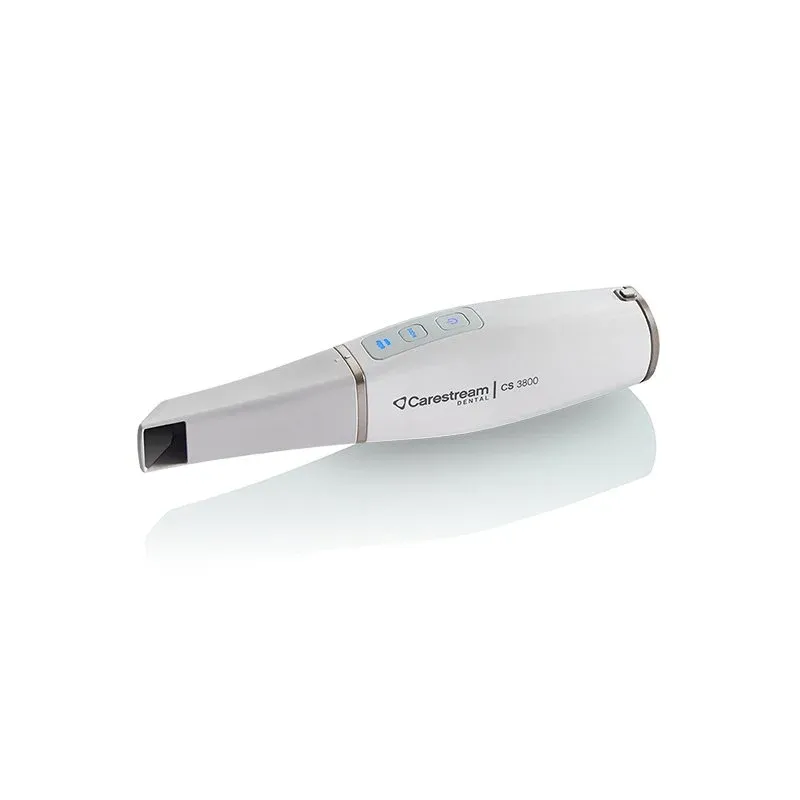
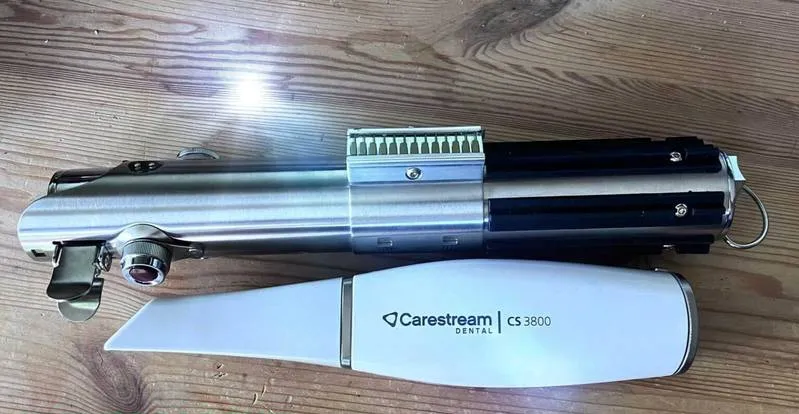
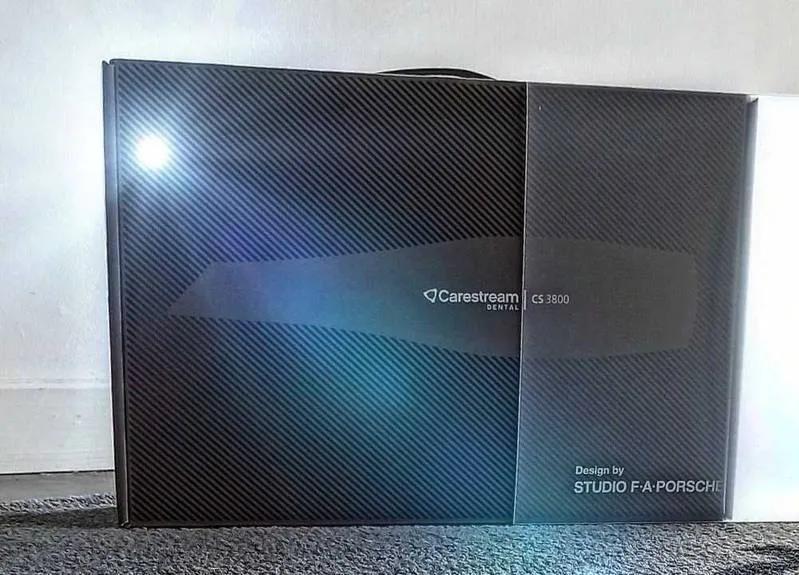
Carestream CS 3800 Intraoral Scanner
The Carestream CS 3800 is the flagship of Carestream Dental's intraoral scanning lineup — a wireless, cordless scanner developed in collaboration with Studio F.A. Porsche to deliver a faster, more comfortable digital impression experience. As one of the lightest and most compact scanners on the market, it's built for practitioners who want freedom from cables without sacrificing precision.
Wider Field of View, Deeper Capture
An enlarged 16 mm x 14 mm field of view combined with a 21 mm depth of field makes it easier to capture interproximal areas and subgingival margins, and improves overall soft tissue scanning. New sensor technology and refreshed hardware also help speed up capture, reducing scan time by roughly 20–40% compared to earlier Carestream scanners.
Ultra-Light, All-Day Comfort
Weighing just 240 grams with the battery installed, the CS 3800 is designed around an ergonomic, balanced leverage point for comfortable handling during long scanning sessions. A single battery charge supports about an hour of continuous scanning, and the charging station doubles as a stand for both horizontal and vertical storage.
Hands-Free Model Control
An embedded motion sensor in the handpiece lets clinicians rotate the on-screen 3D model simply by turning the scanner — no mouse required — keeping attention on the patient throughout the procedure.
A Complete Digital Workflow
Paired with CS ScanFlow software, the CS 3800 supports a broad range of clinical indications, including restorations, implant-borne restorations, orthodontics, sleep devices, and dentures. Captured scans export directly to platforms such as CS Model+ for orthodontic treatment planning, or to third-party CAD/CAM and lab partners for a flexible, end-to-end digital workflow.
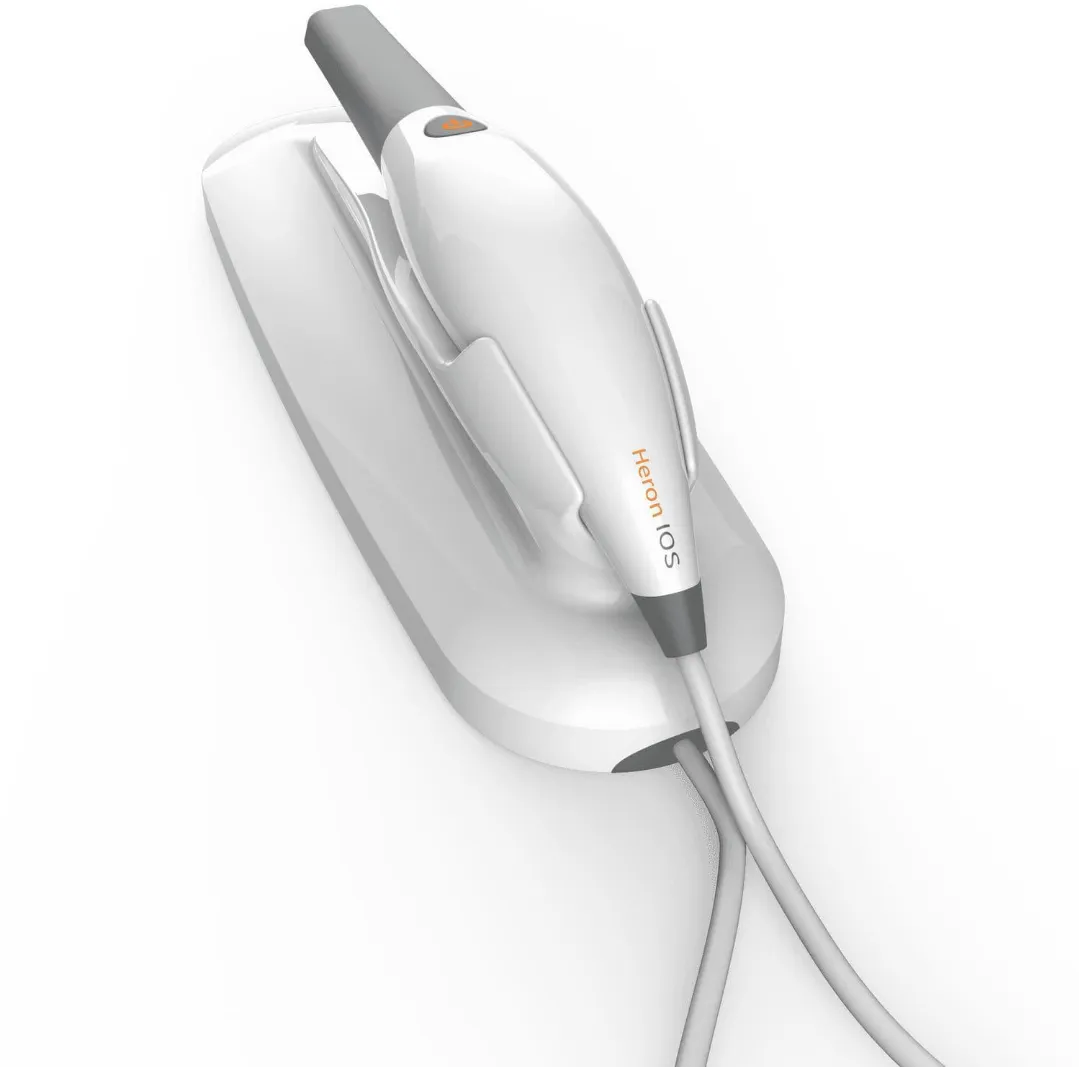
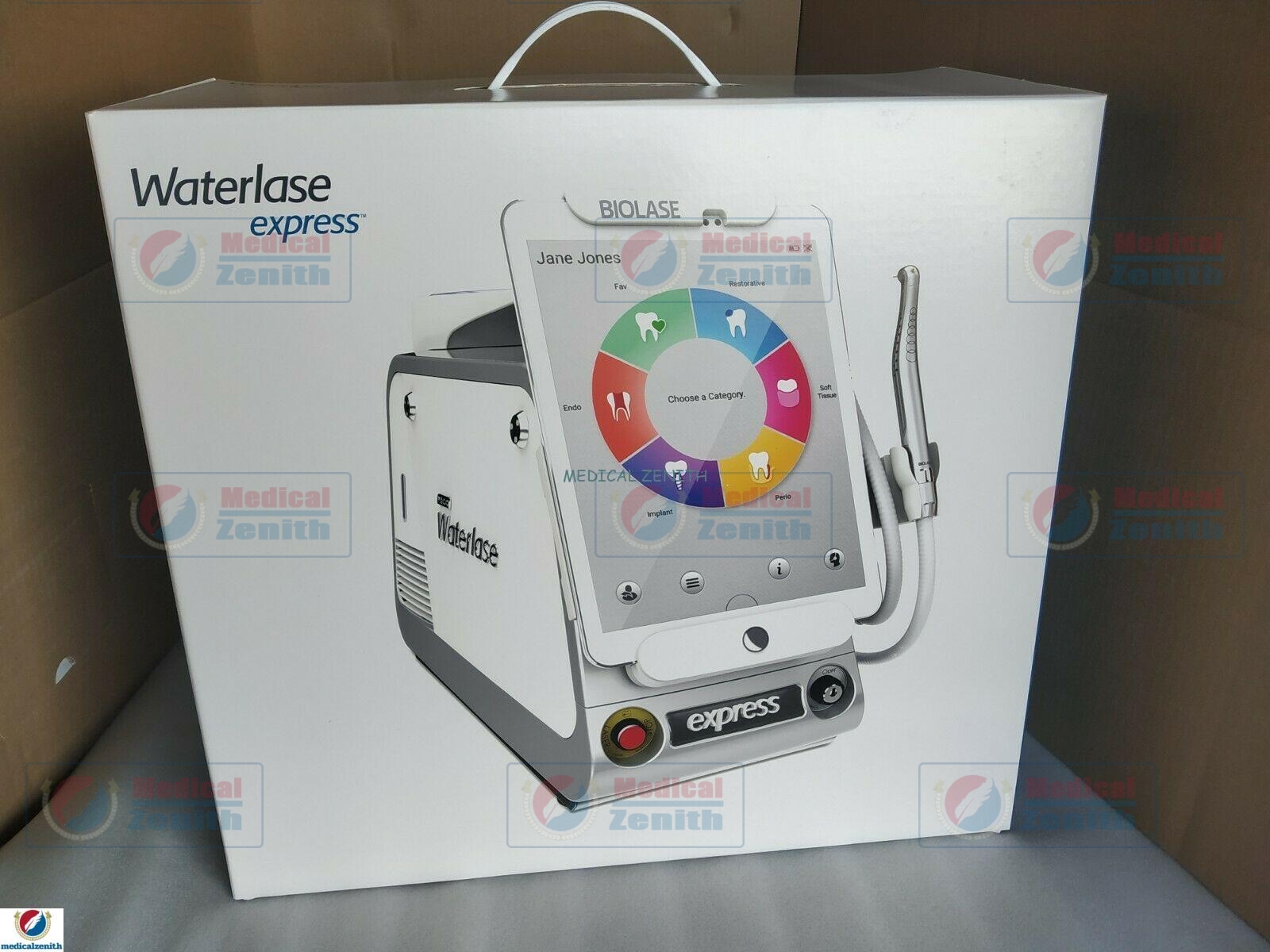
This is frequently paired with Heron IOS Digital 3D Imaging Scanner and Biolase Epic Pro Dental Soft Tissue Laser for a more complete setup.
- Charge the handpiece battery or connect the backup power cable
- Connect the WiFi dongle to the workstation for point-to-point transfer
- Launch CS ScanFlow and select the clinical indication
- Scan the arch, using gesture motion to rotate and review the model
- Export the completed scan to CS Model+ or a connected lab/CAD platform