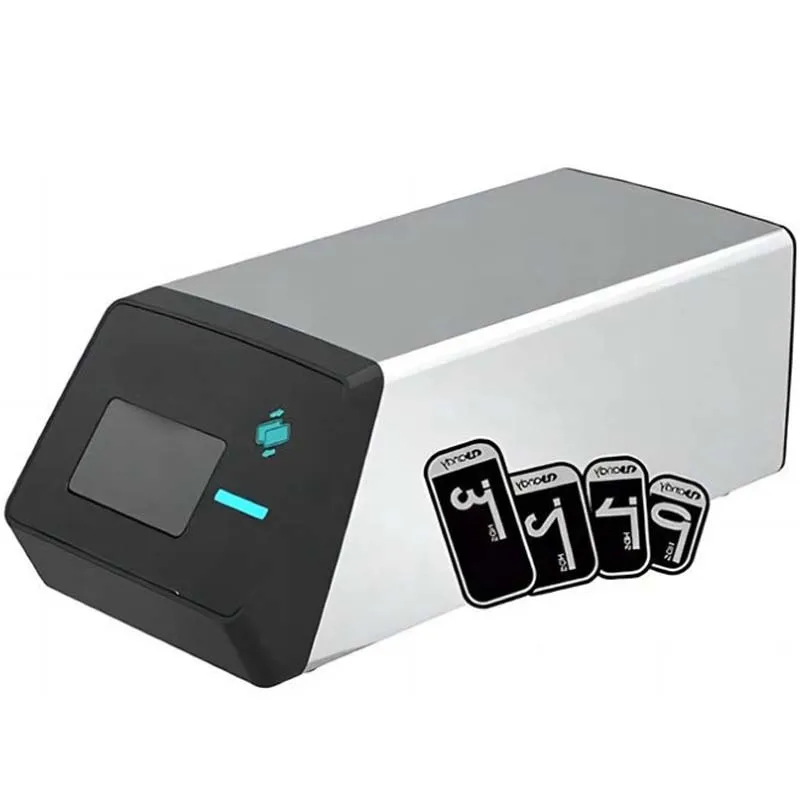
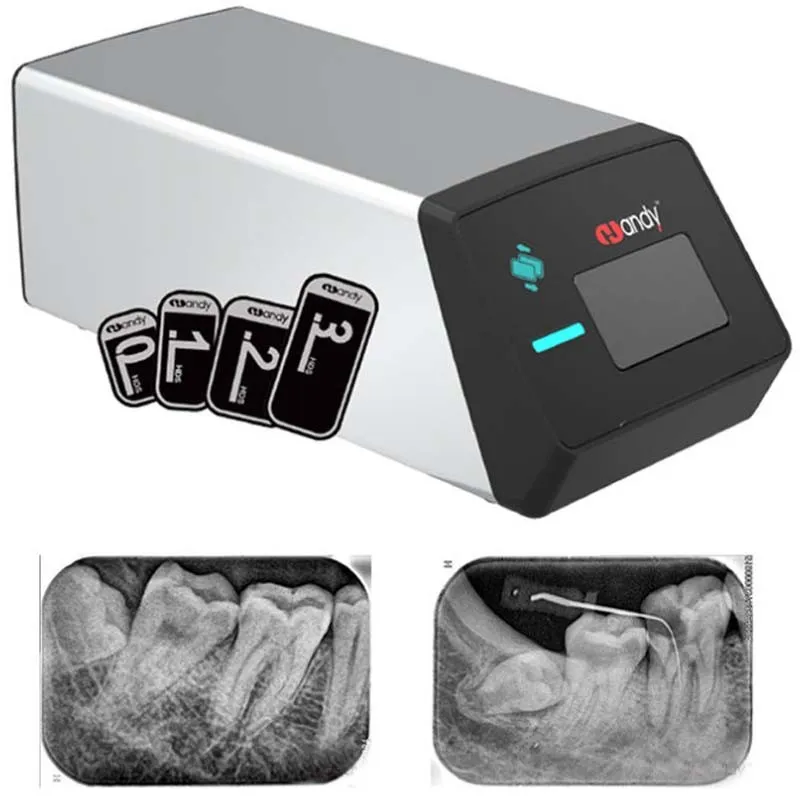
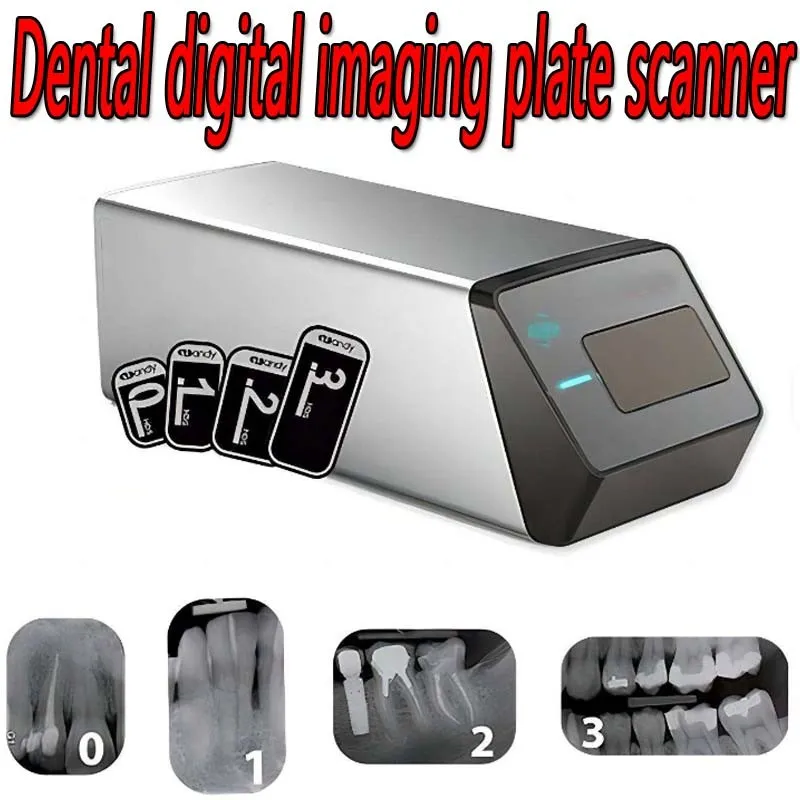
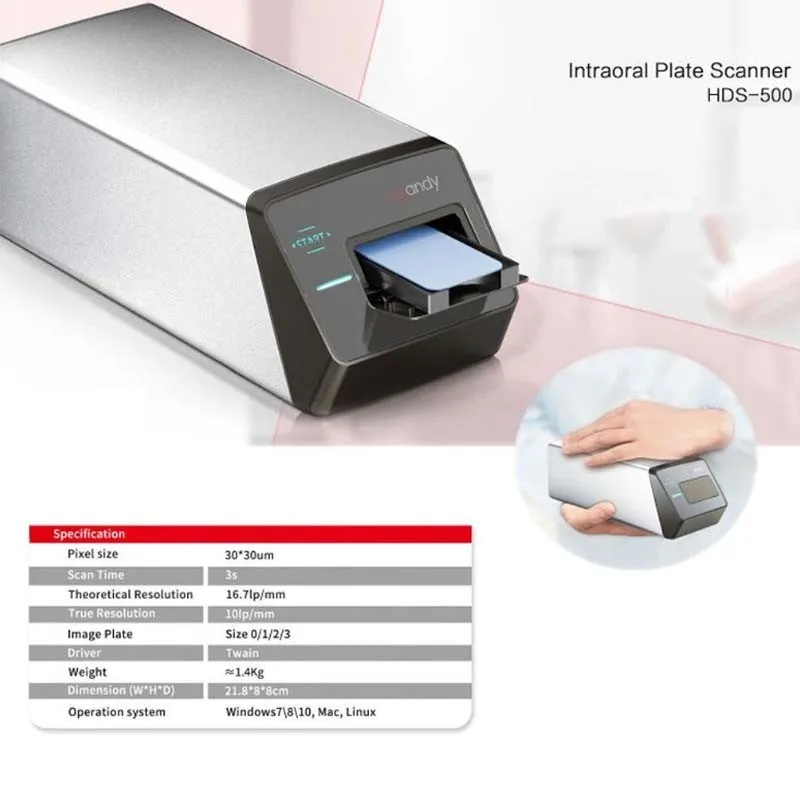
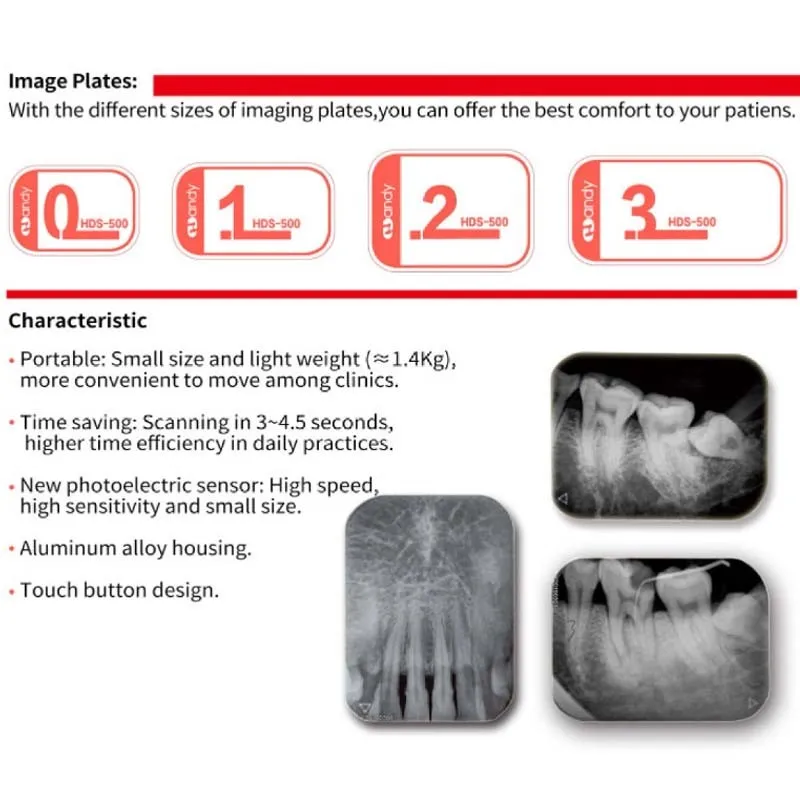
The Handy HDS-500 is a compact, portable digital imaging plate (PSP) scanner designed for intraoral dental radiography. Utilizing advanced MEMS micromirror scanning technology, it converts phosphor imaging plates into high-resolution digital X-ray images within seconds. Weighing under 1.5kg with an aluminum alloy housing, the HDS-500 is ideal for multi-point mobile diagnosis across clinics. It supports 4 imaging plate sizes (0/1/2/3), features one-click imaging with a touch-button interface, and connects via USB with full Twain protocol compatibility—working seamlessly with existing dental imaging software on Windows, Mac, or Linux systems. A reliable, cost-effective alternative to expensive imported sensor systems.
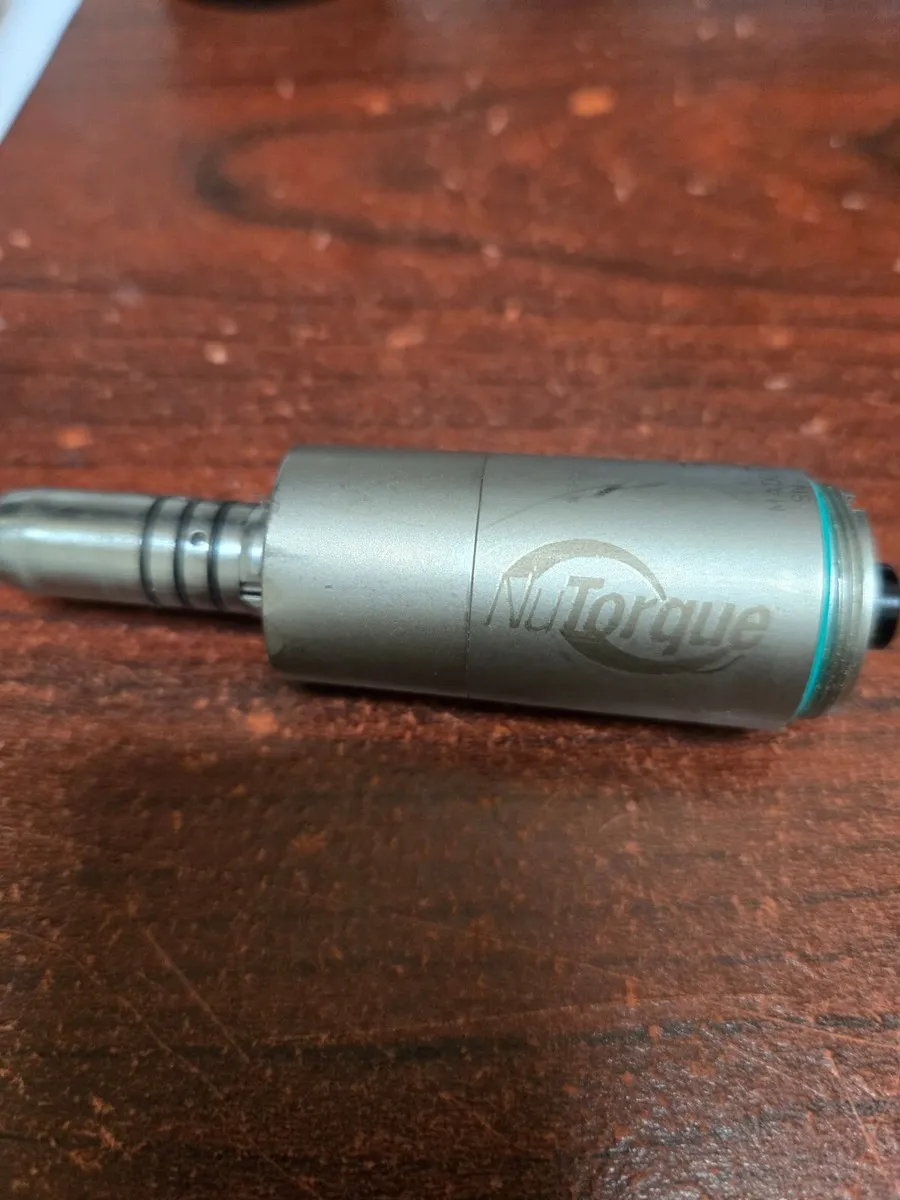
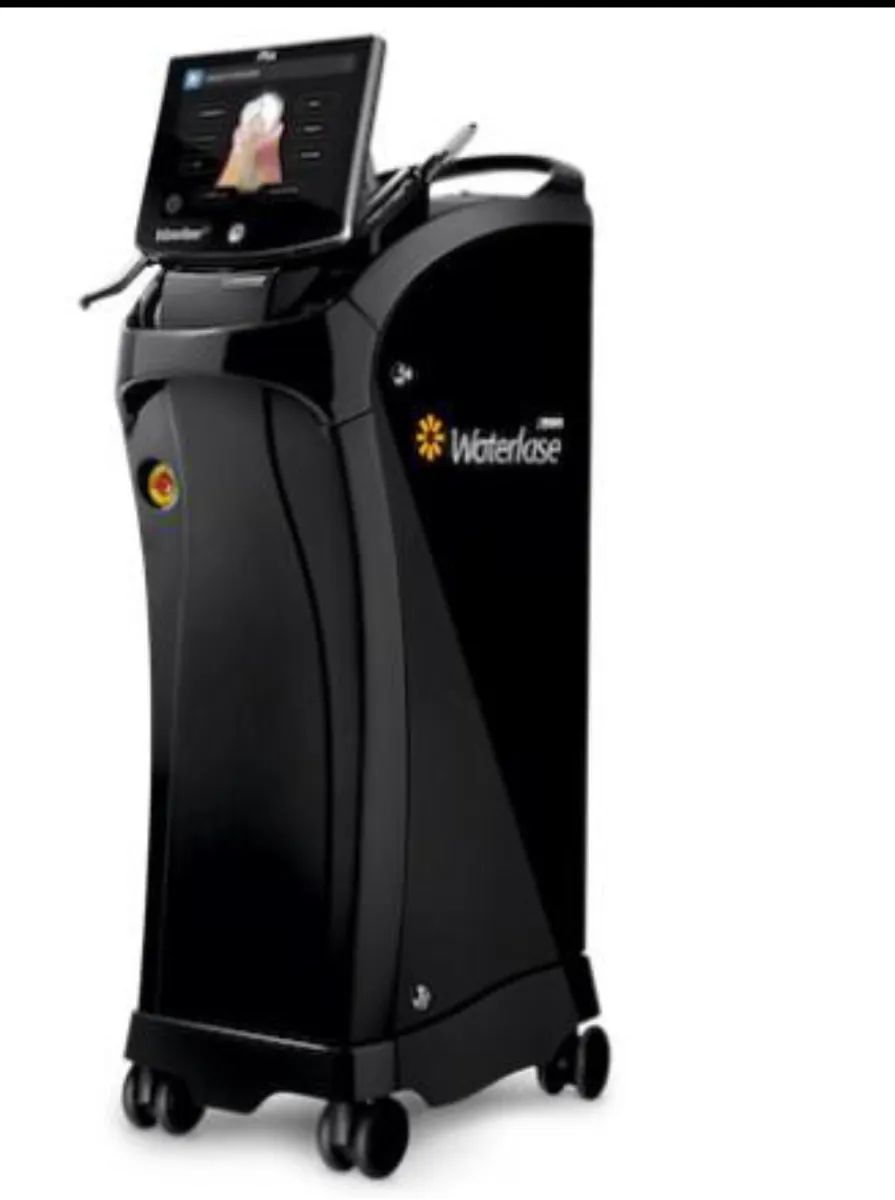
This is frequently paired with StarDental NuTorque Lite Electric Handpiece and Biolase Waterlase iPlus Premier Edition for a more complete setup.
- Connect the HDS-500 to power and USB port on computer
- Install and launch HandyDentist imaging software
- Insert exposed imaging plate (IP) into the scanner tray
- Press the touch button to initiate one-click scanning
- View, adjust, and save digital image via software (5s output)
- Erase plate automatically after scan for reuse